

Step by step guide
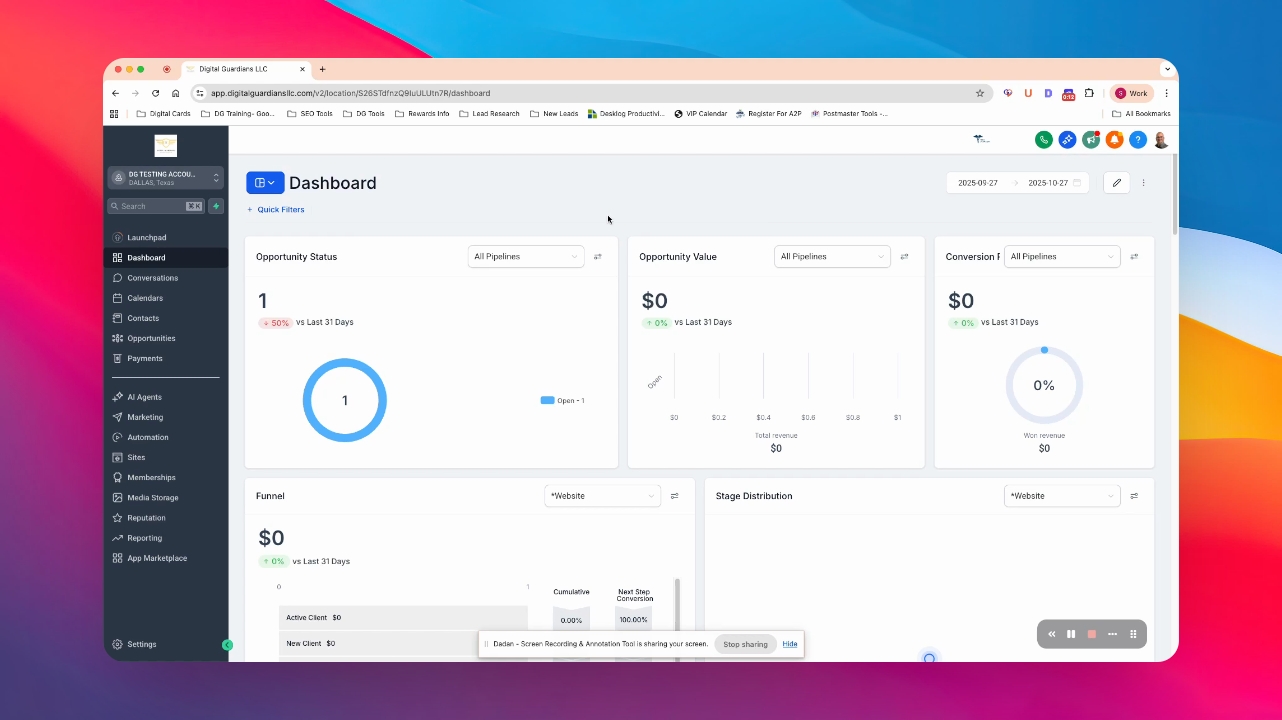
Step 1: Open Settings
The Settings menu opens.
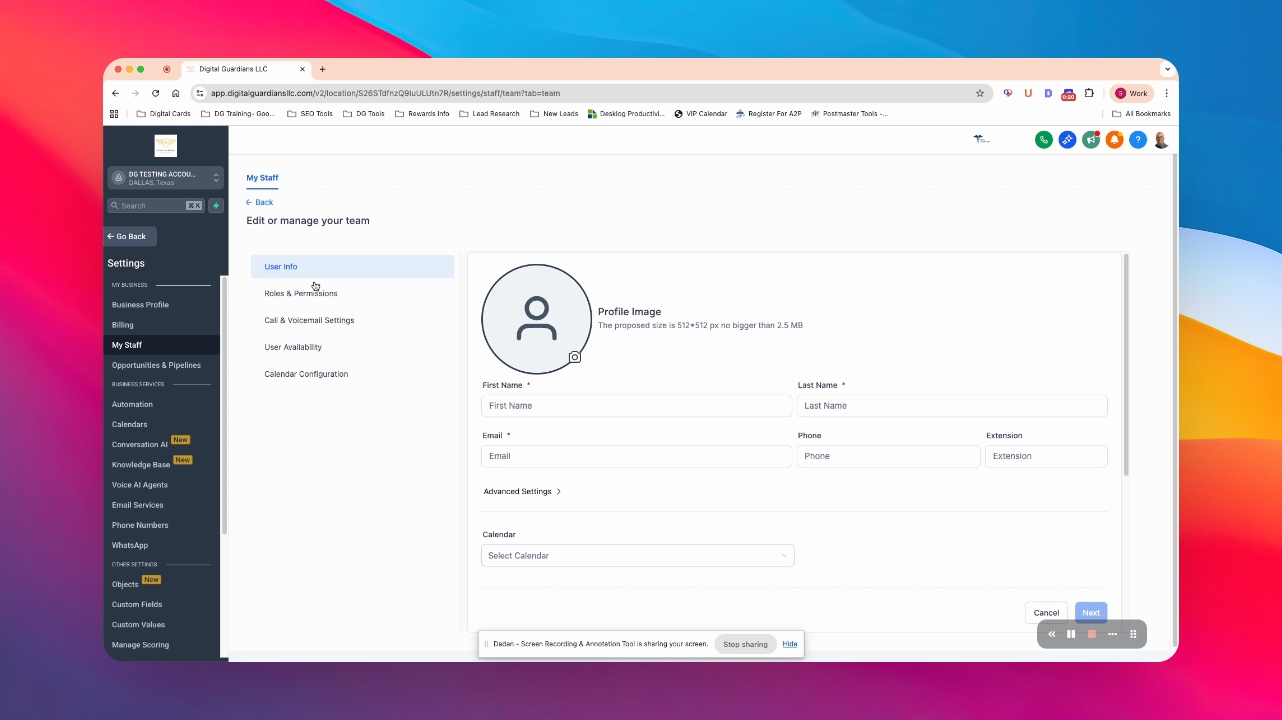
Step 2: Go to My Staff
You access the My Staff section.
Step 3: Add User
The user creation form appears.
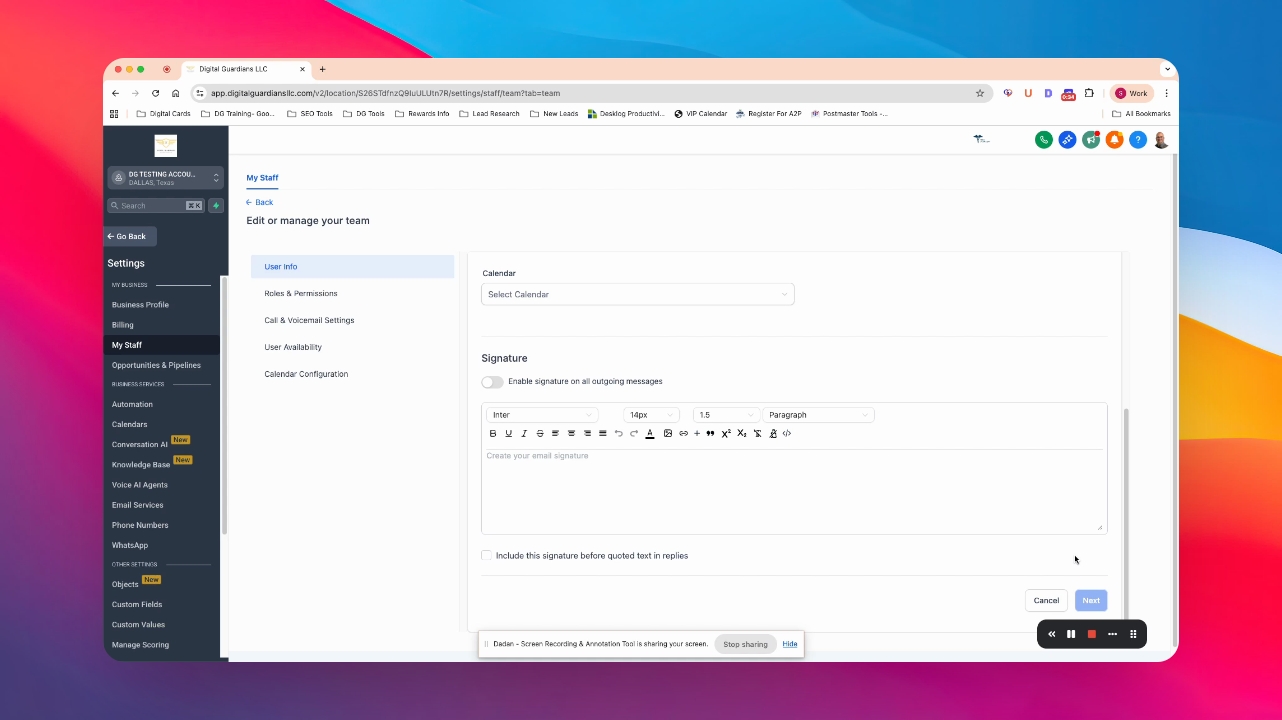
Step 4: Fill Basic Information
Complete the form with the user's details.
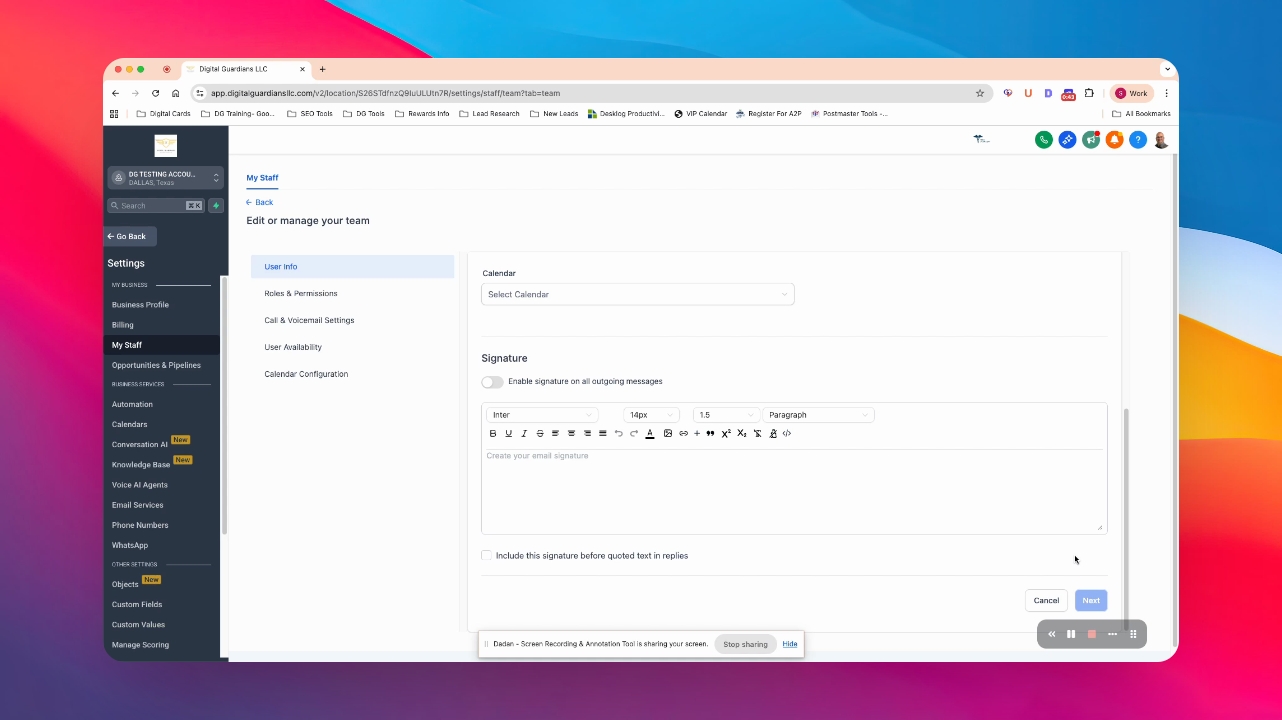
Step 5: Enter Email
Ensure to provide the user's email address.
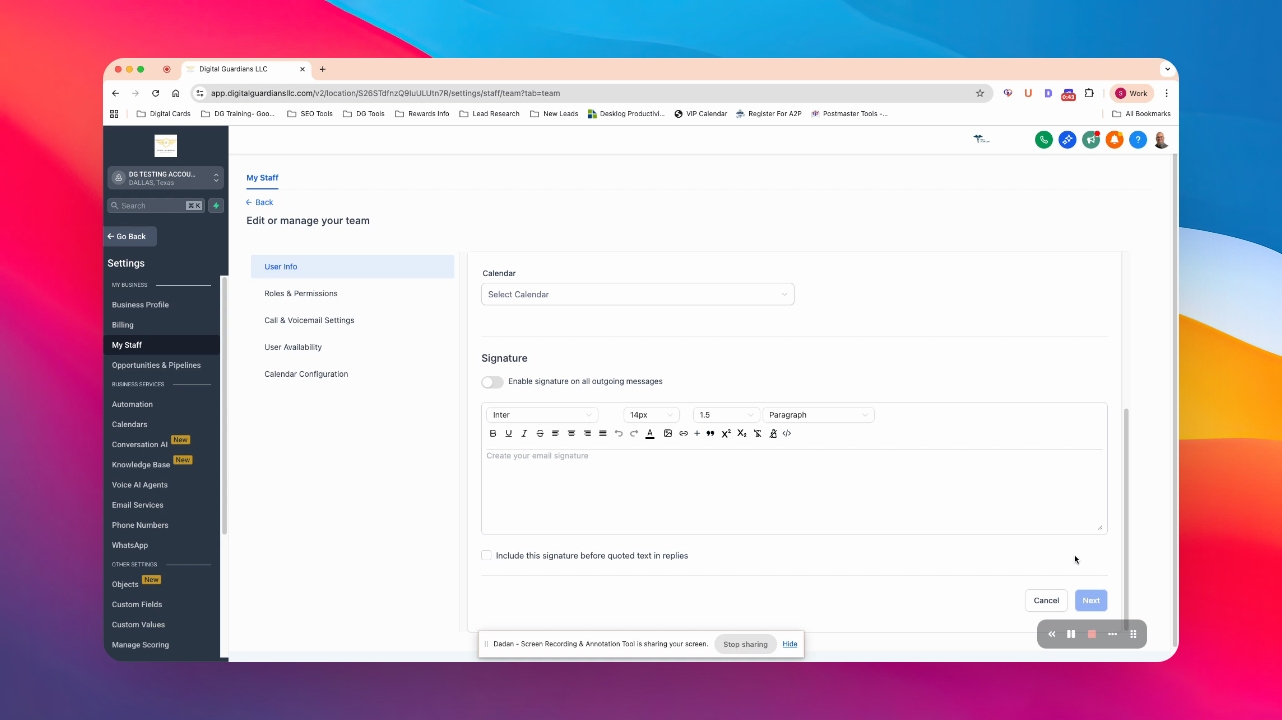
Step 6: Optional Phone Number
Optionally, add the user's phone number.
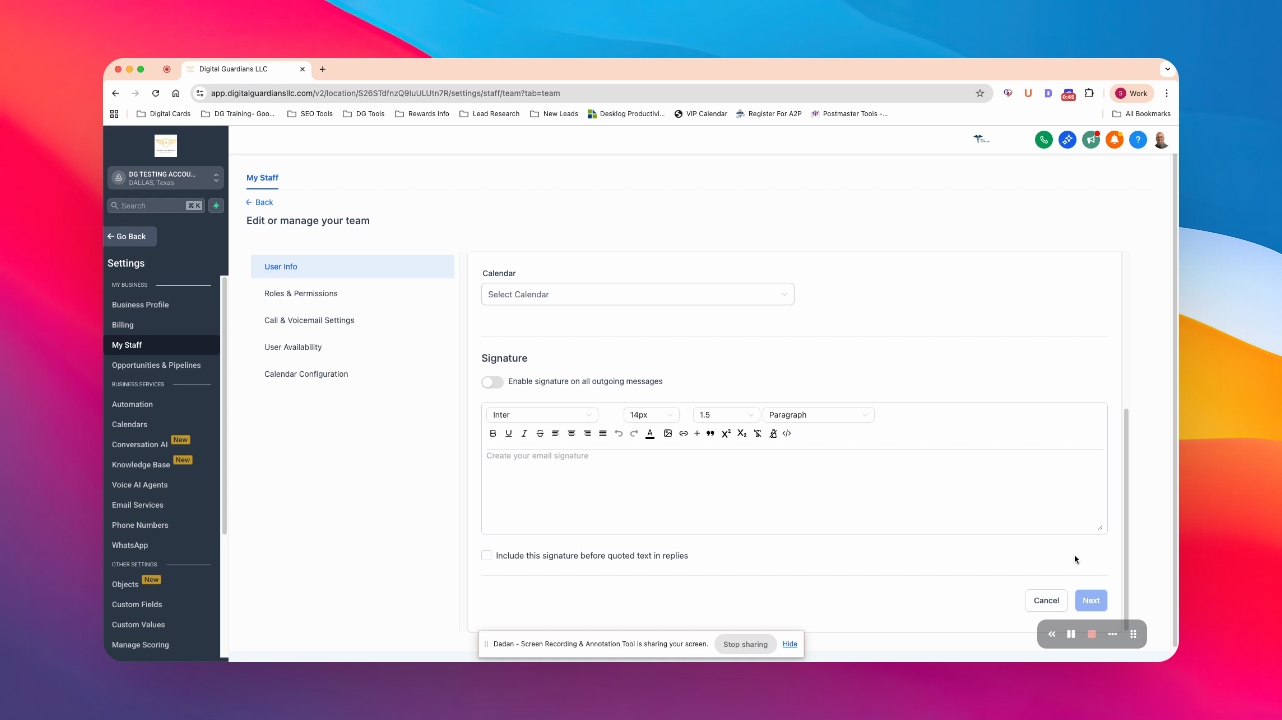
Step 7: Fill Other Details
Complete any additional required details.
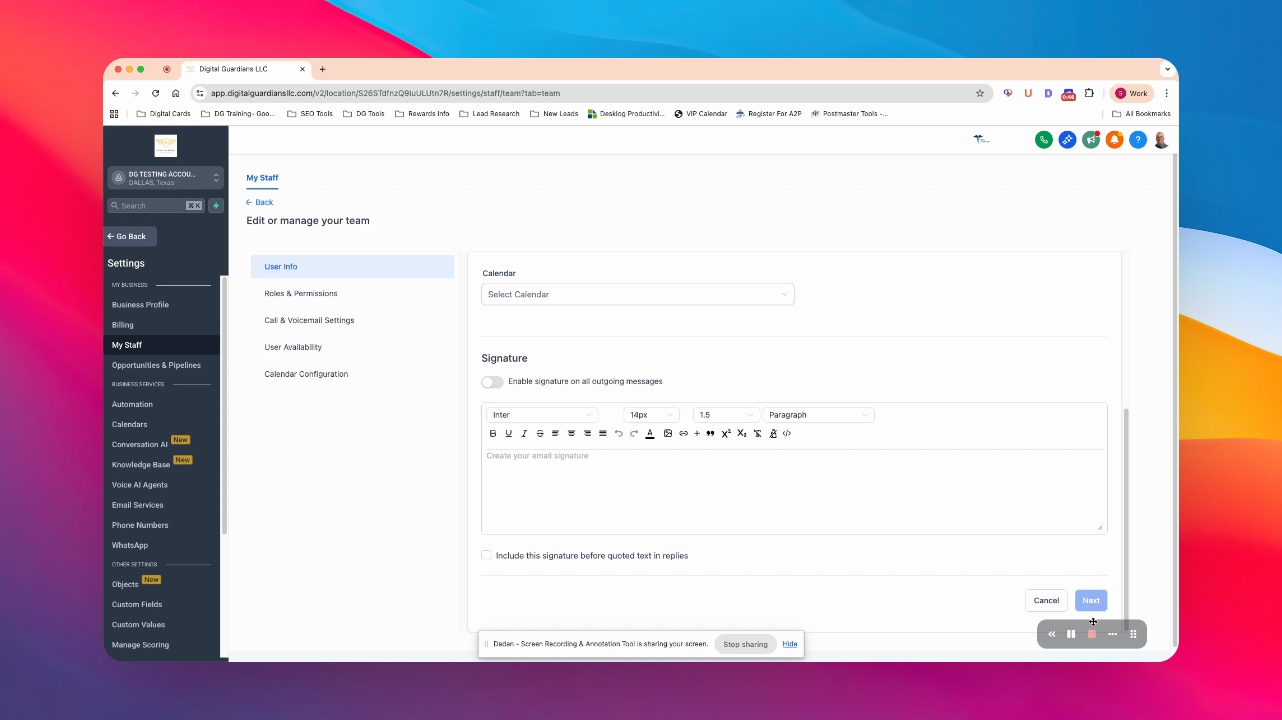
Step 8: Press Next
The user is created and an email is sent.
Step 9: User Sets Up Password
The new user can now setup their password.
