

Step by step guide
Step 1: Navigate to New Post
You are ready to create a new post.
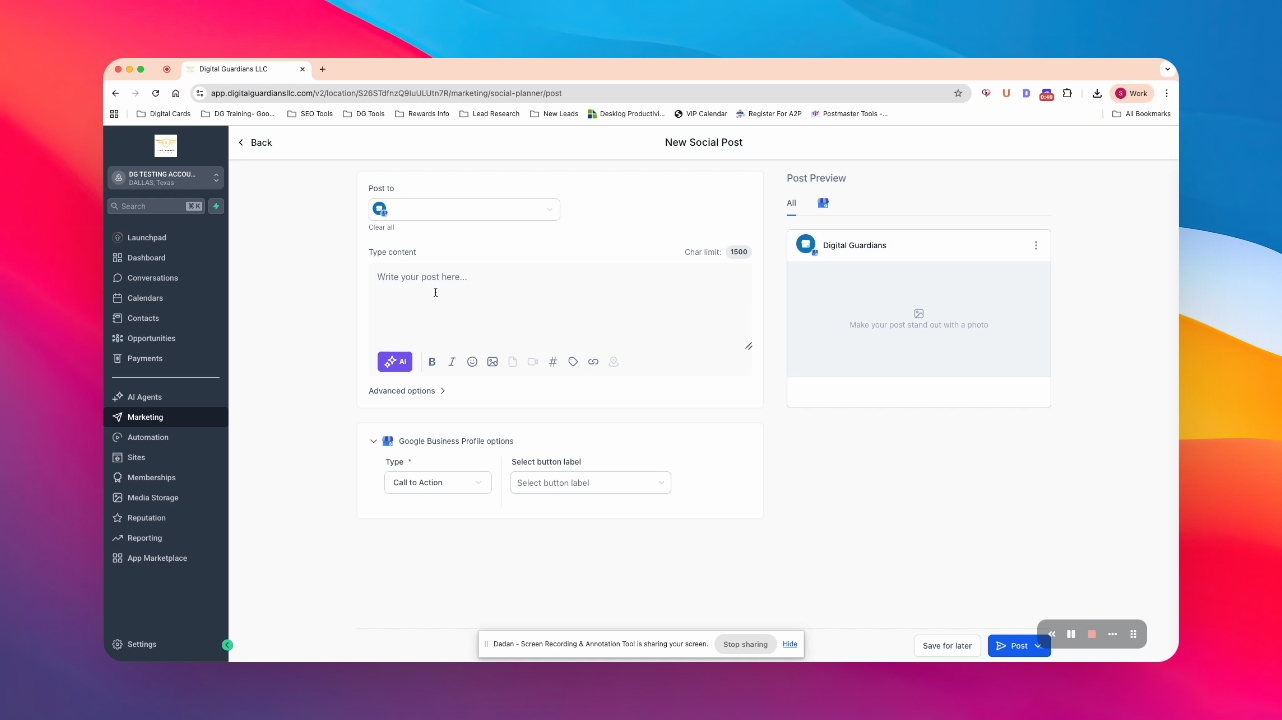
Step 2: Choose Social Media Accounts
Select one or all your social media accounts for posting.
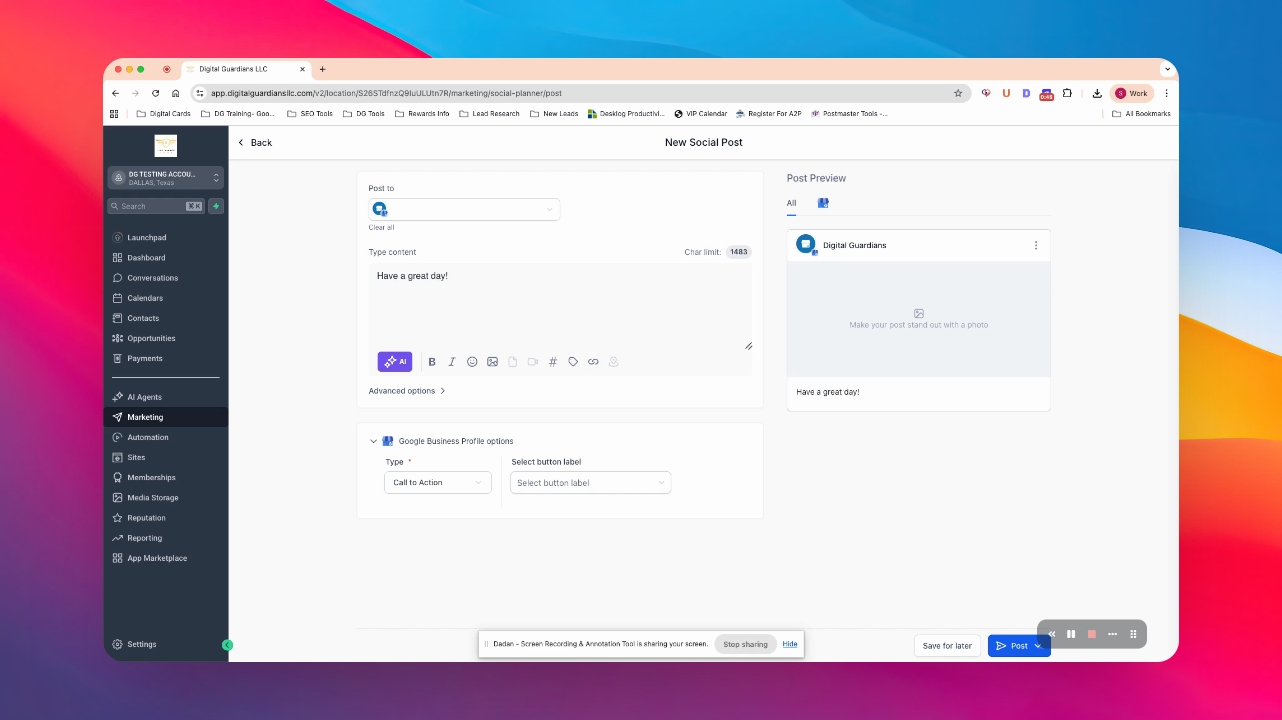
Step 3: Create Your Post
Write your post content.
Your post is ready to be enhanced with media and hashtags.
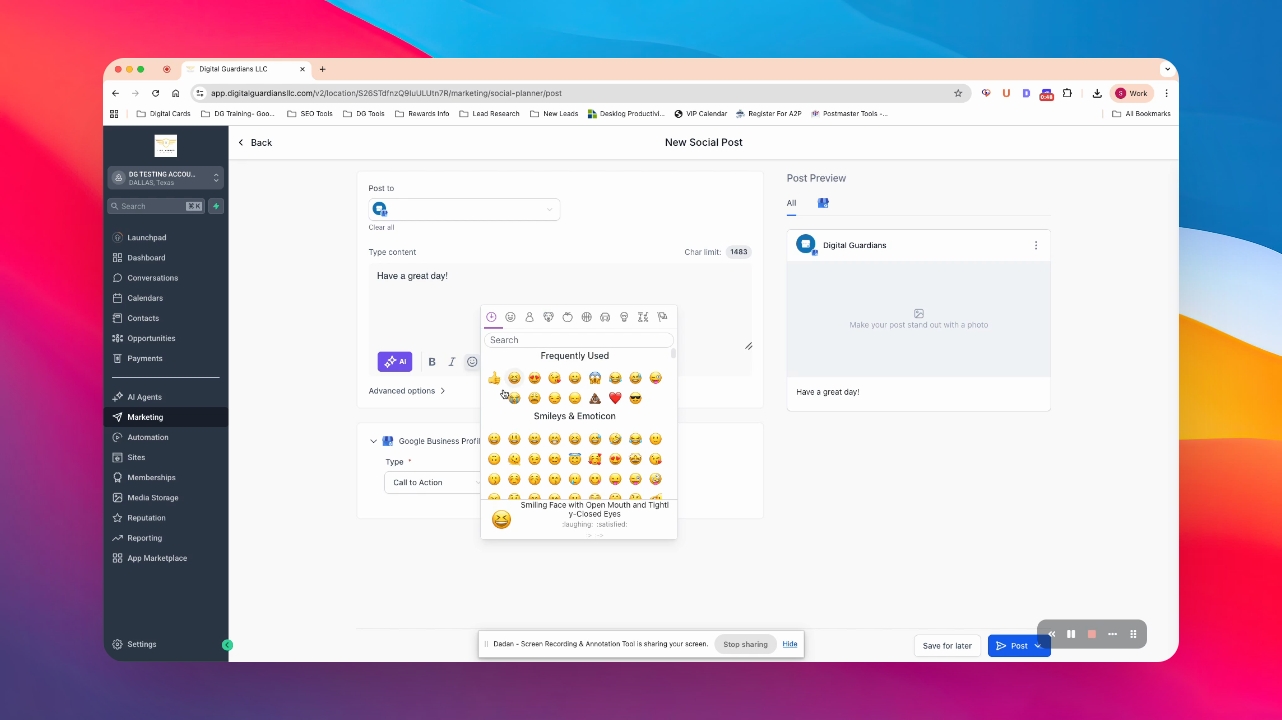
Step 4: Use AI and Emojis
Optionally, use AI to create content and add emojis.
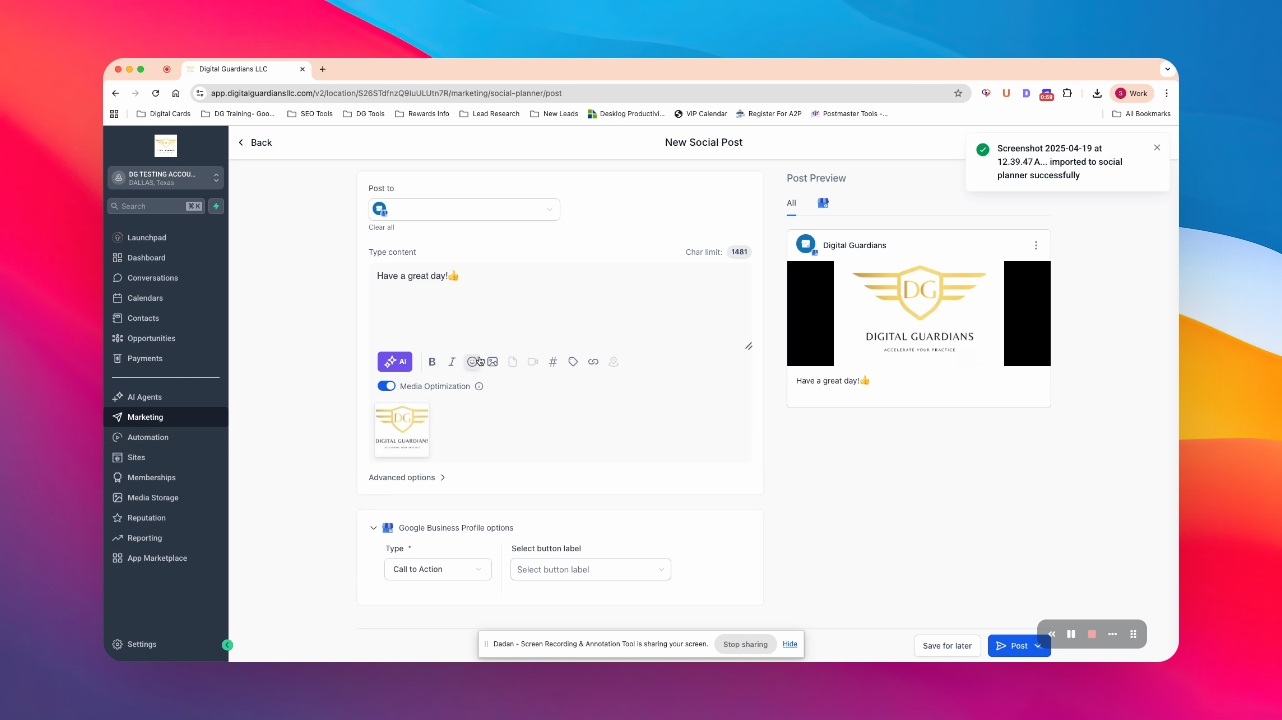
Step 5: Add a Photo
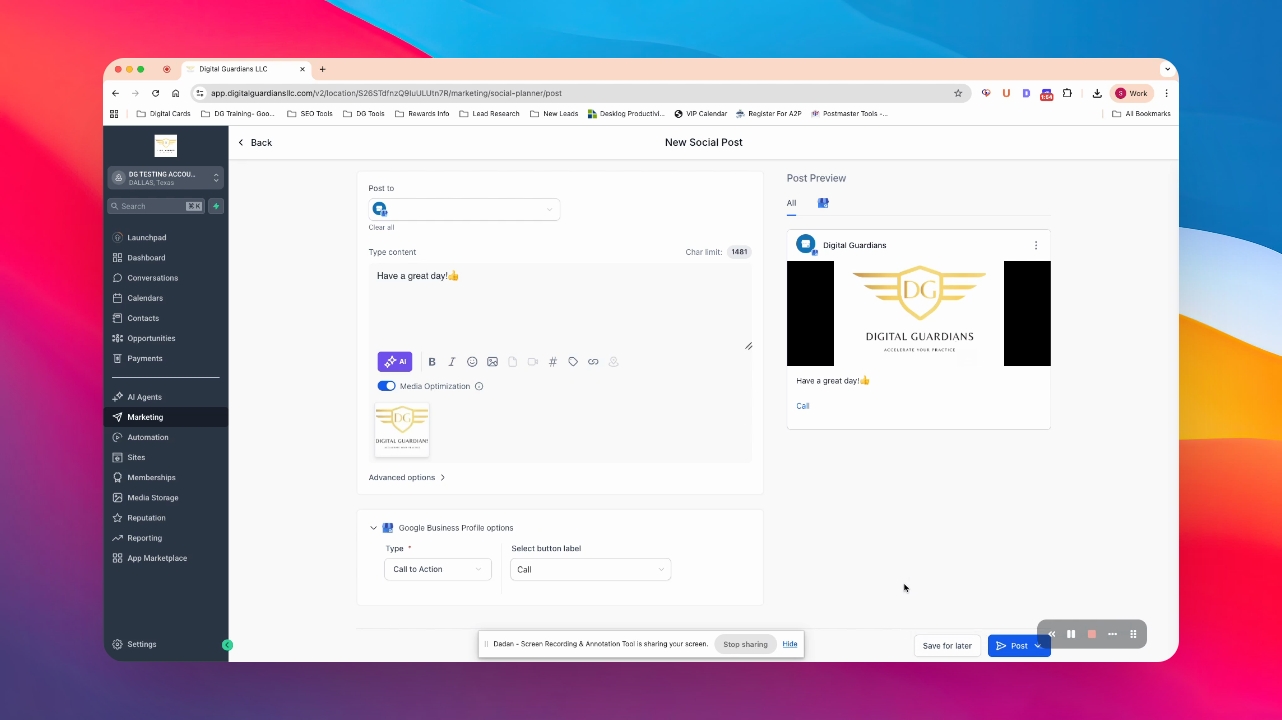
Add an image by creating an AI image or uploading one.
The logo is successfully added as an example.
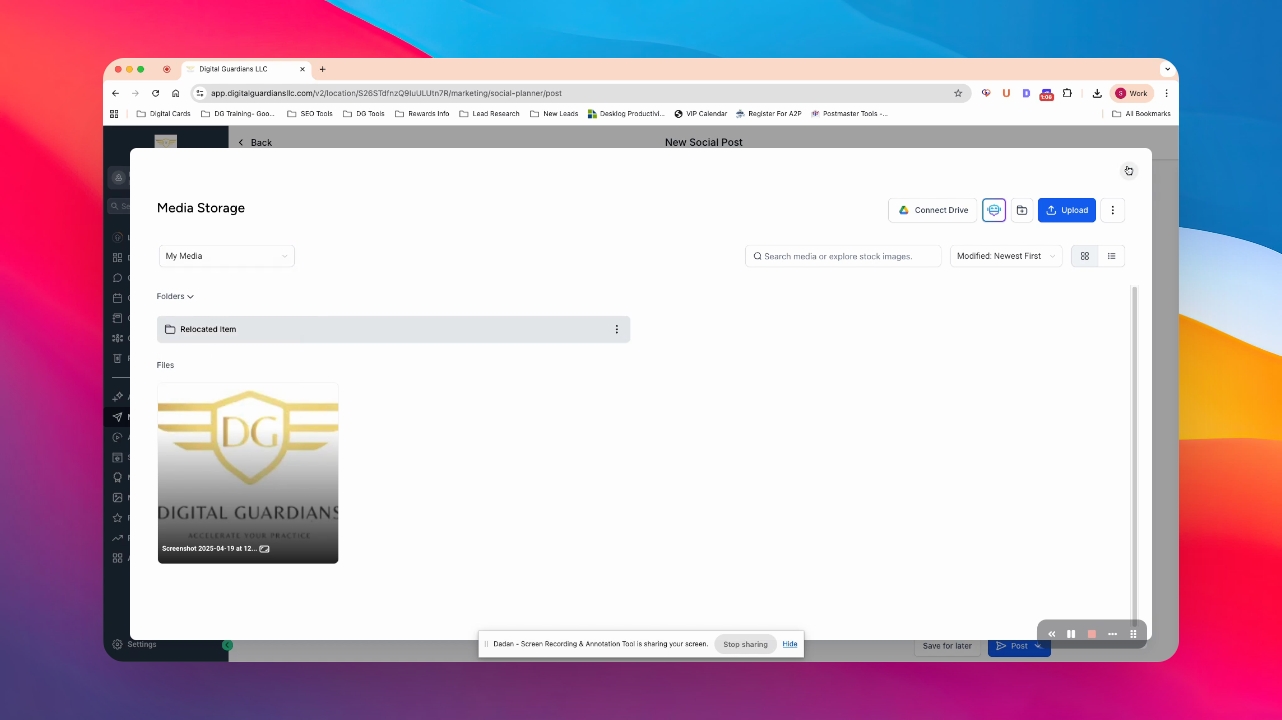
Step 6: Use Royalty Free Images
Access Unsplash or Pixabay for royalty-free images.
Step 7: Create Hashtags
Create and save hashtags for your post.
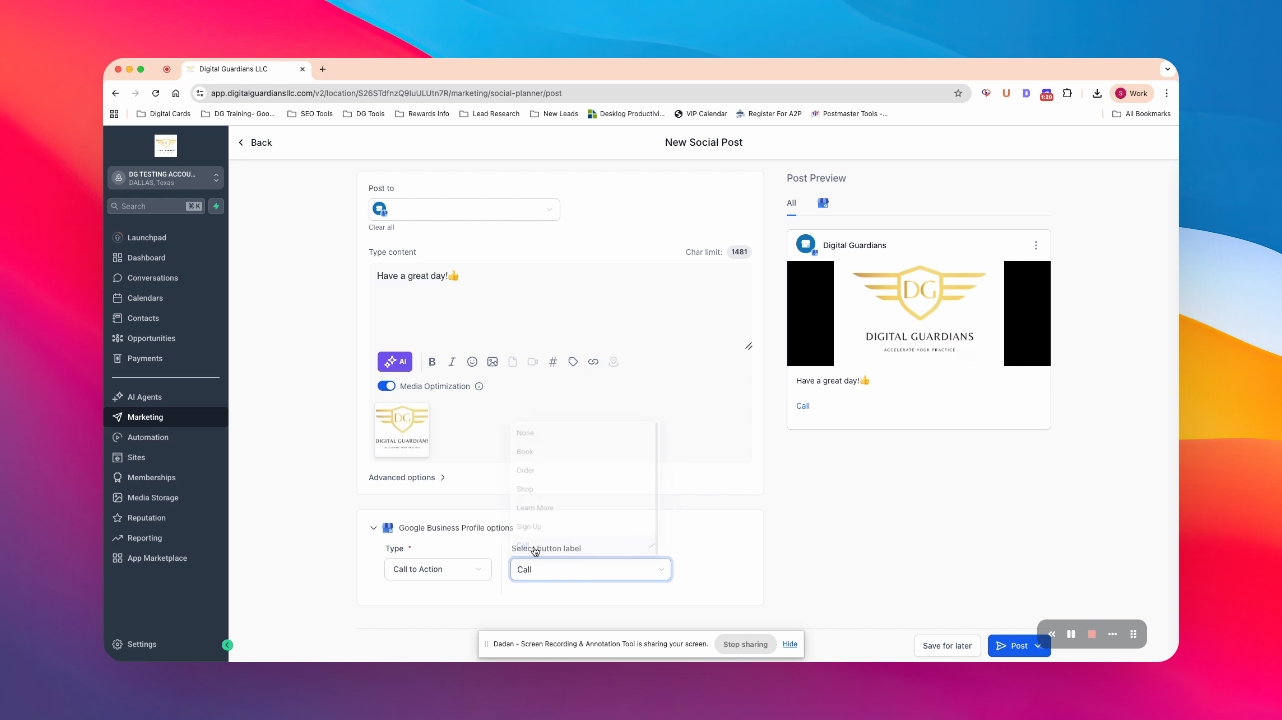
Step 8: Add a Call to Action
Select a call to action option for your post.
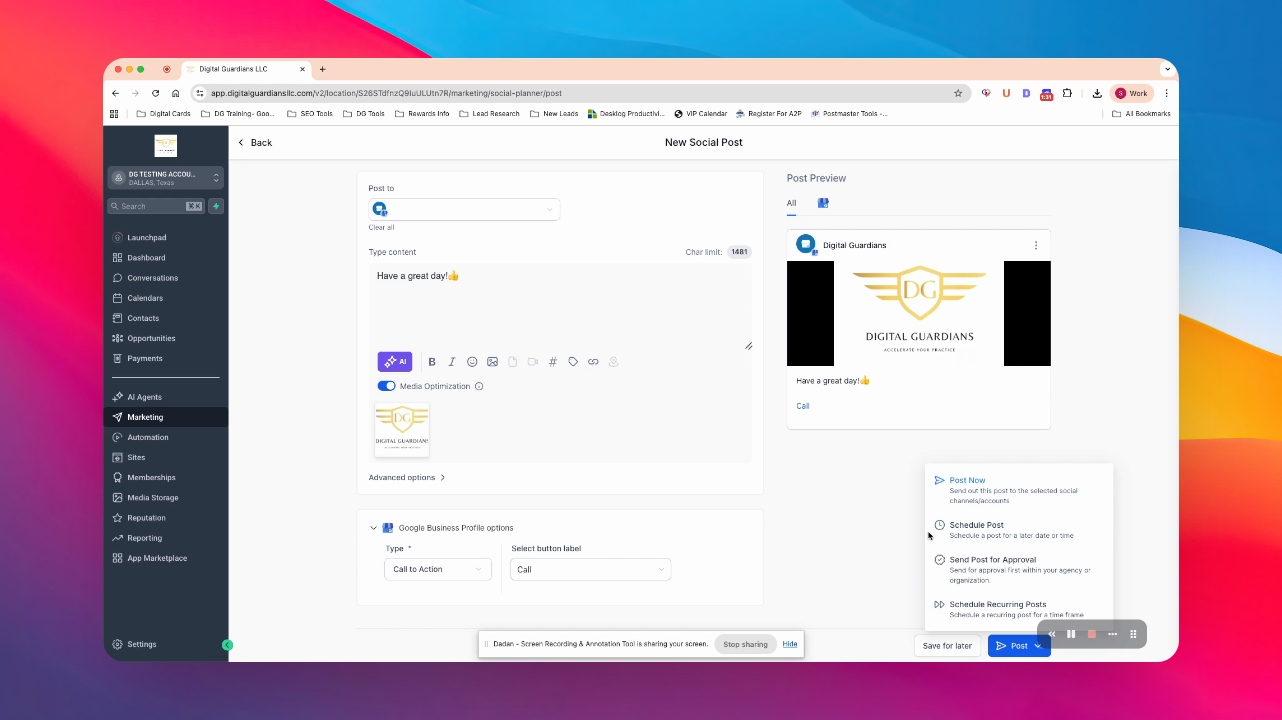
Step 9: Save or Post
Choose to save your post for later or click post to publish it.
Your post is now live or saved for later editing.
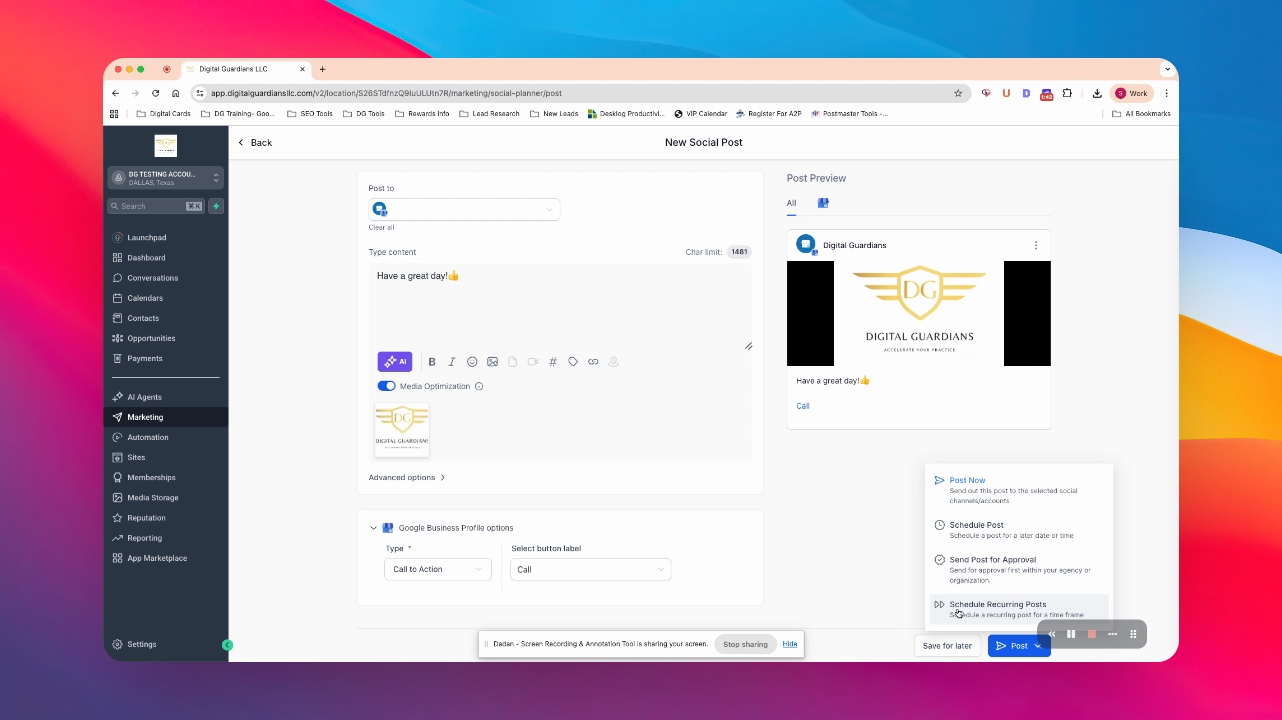
Step 10: Schedule Your Post
Schedule your post for a specific date and time.
Your post is scheduled according to your preferences.
