

Step by step guide
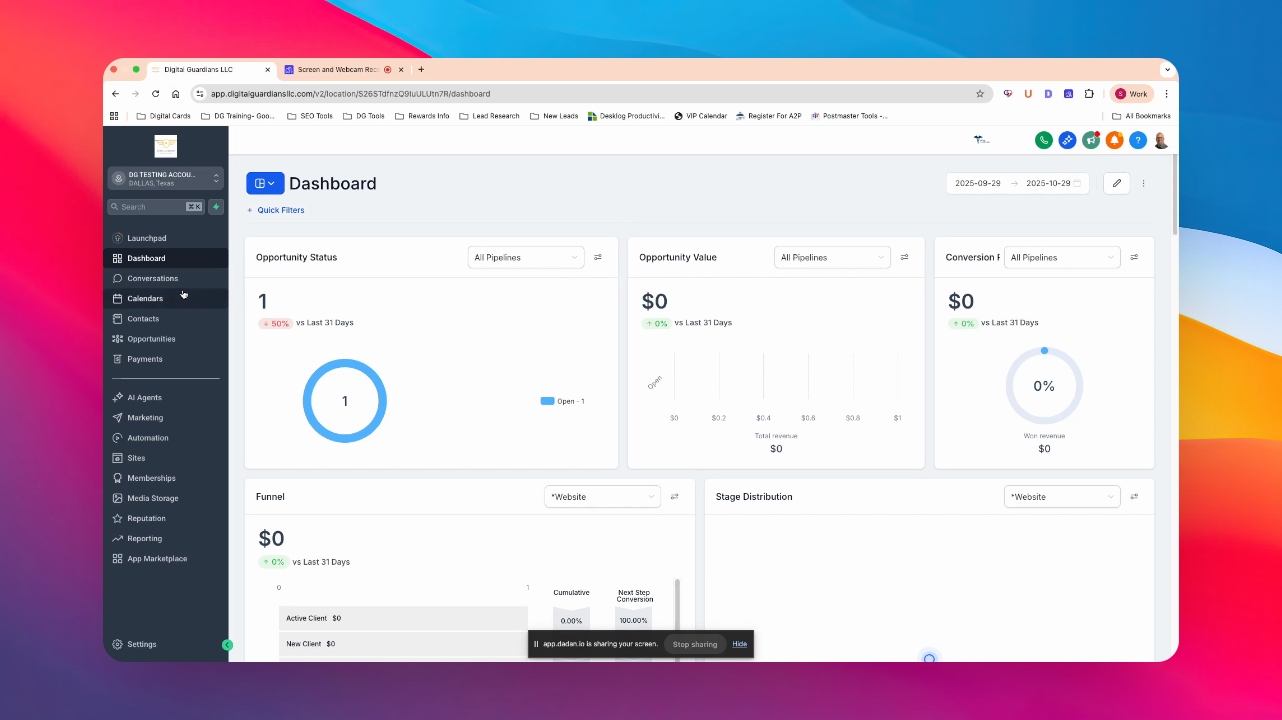
Step 1: Access Contacts
From the dashboard, navigate to Contacts.
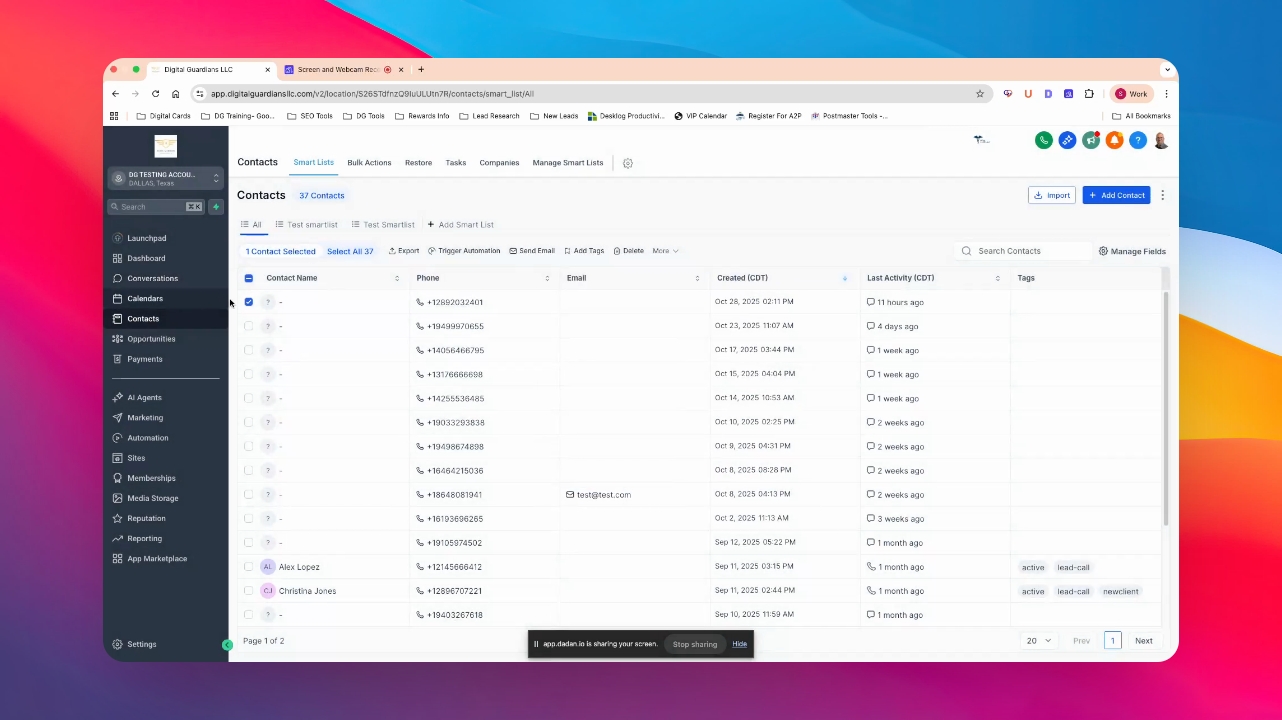
Step 2: Select Contacts
Select one or multiple contacts you wish to manage.
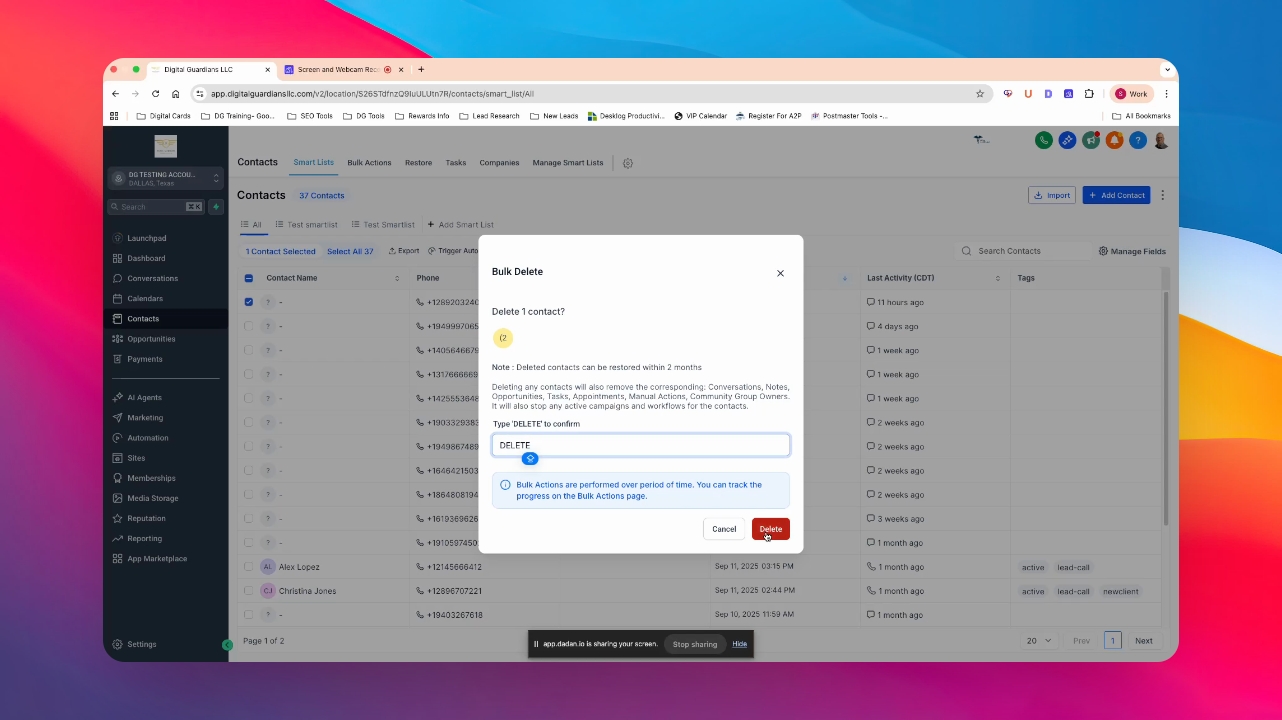
Step 3: Delete Contacts
Click on Delete.
Type in delete to confirm.
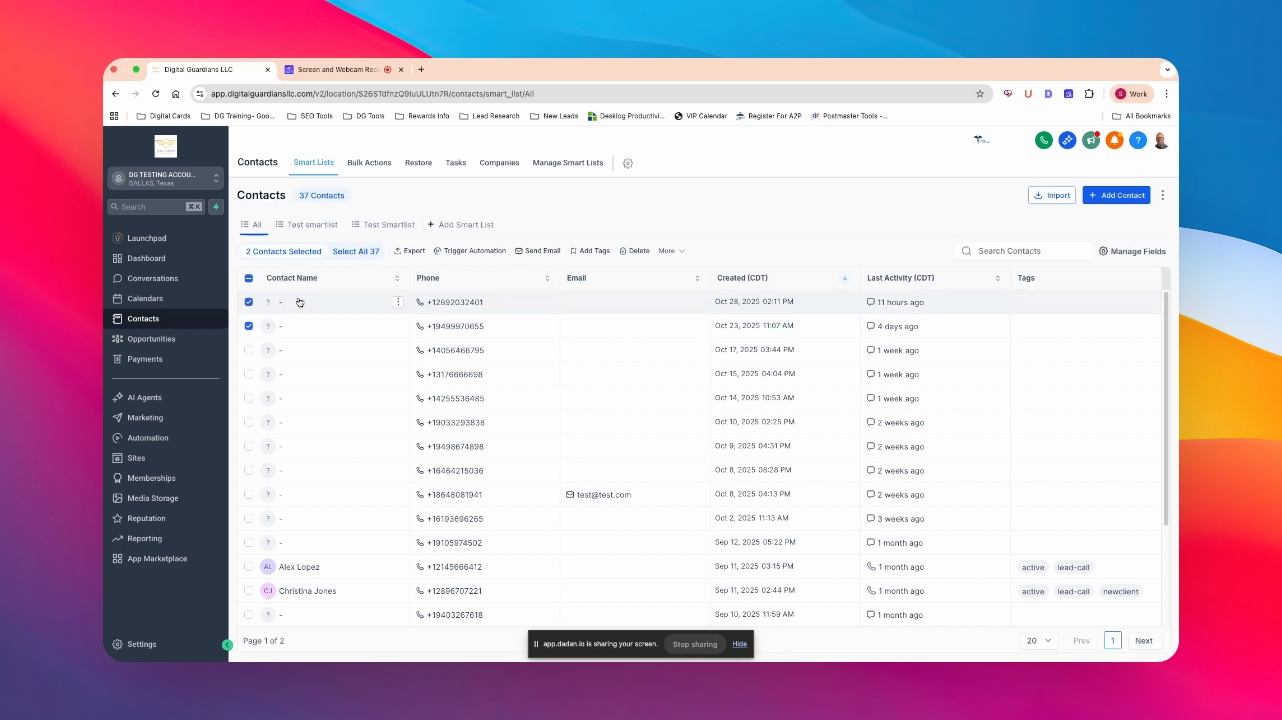
Step 4: Merge Contacts
If needed, select contacts to merge.
Step 5: Initiate Merge
Click on More and then Merge.
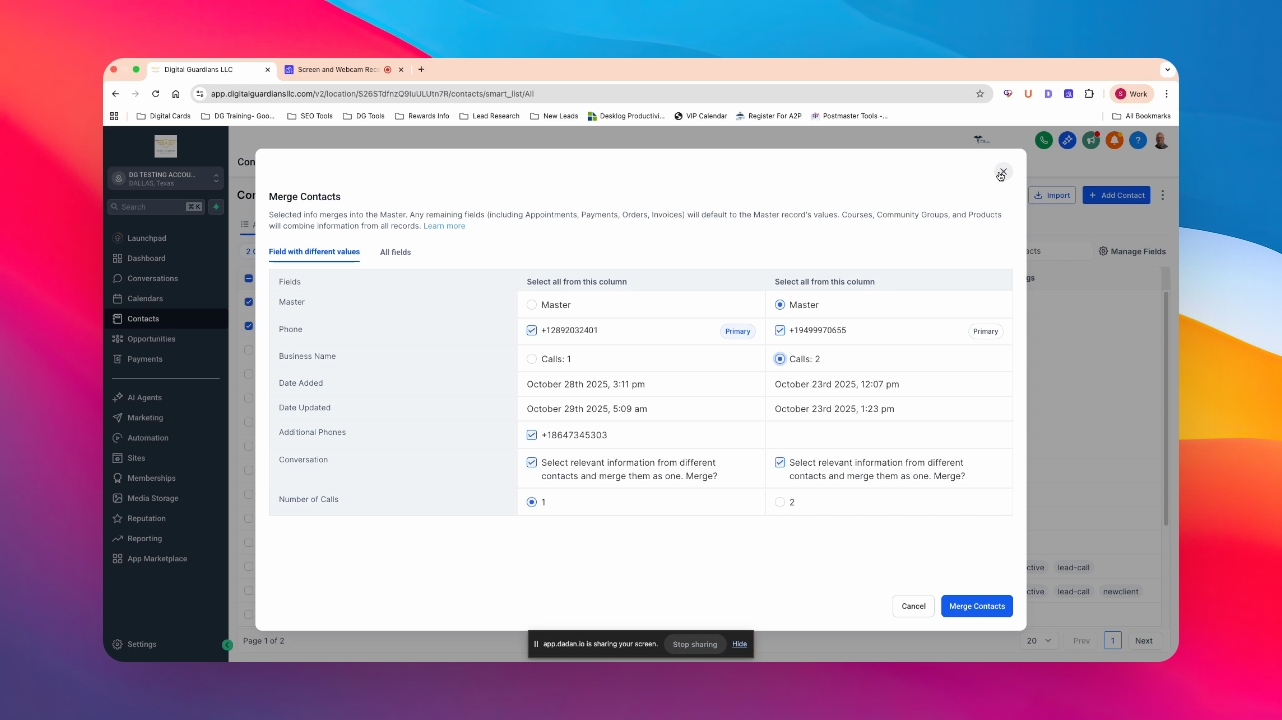
Step 6: Select Master Fields
Choose the fields you want as the master for merging.
Step 7: Complete Merge
Click on Merge to combine the profiles.
The selected profiles will be merged successfully.
